Builder Guide
Get set up. Build something useful. Make your submission count.
Start here
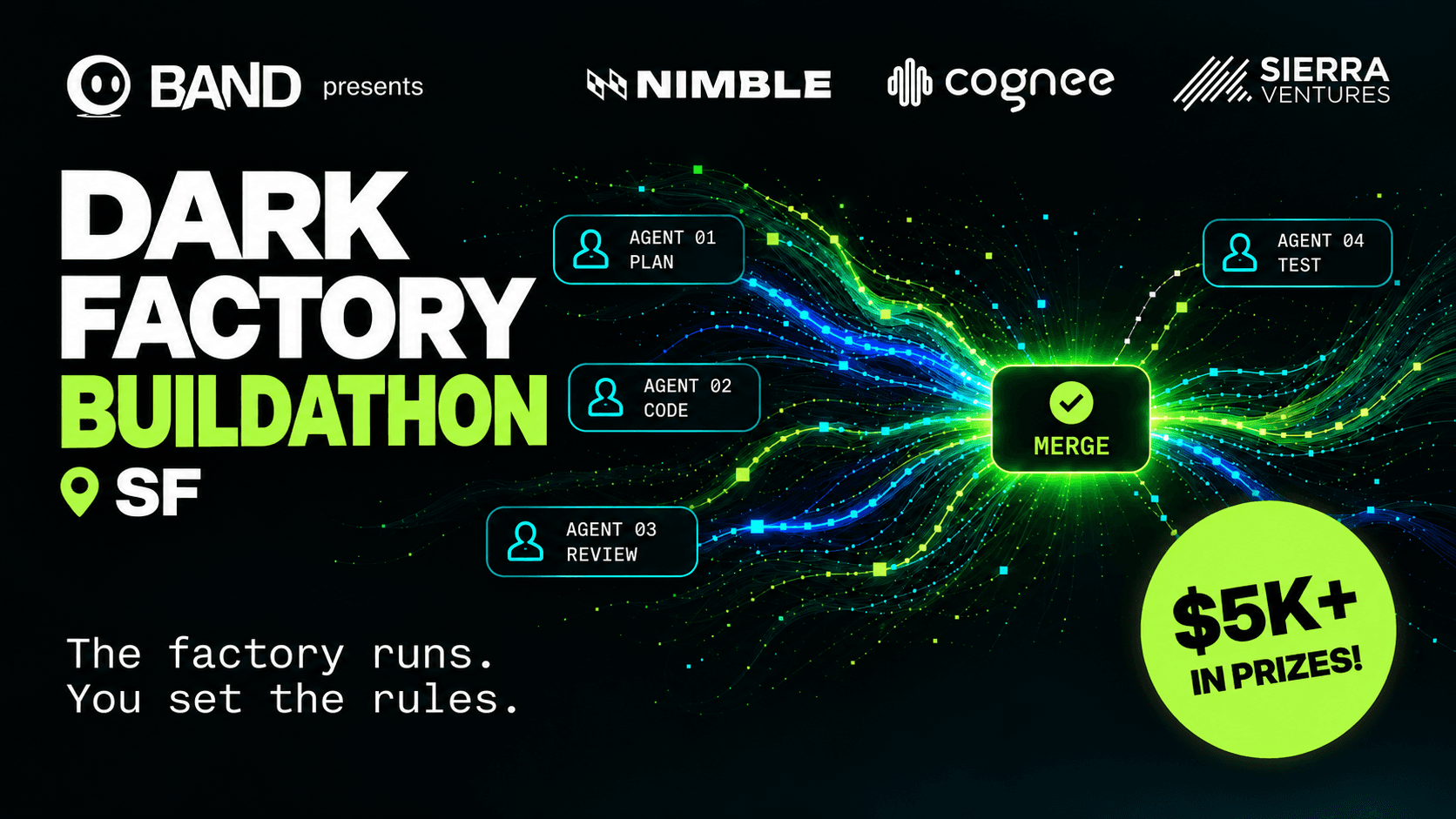
Welcome to BAND Dark Factory Buildathon: San Francisco. Build a software factory in Band Desktop: at least three distinct coding-agent seats that plan, implement, hand off work and independently check the results. Your factory will build Dossier, a company-research service, in four cumulative stages.
Download the Band Desktop here
Your entry includes the factory, the room where it worked and the code it produced. You need at least one complete stage-1 output to enter. Stage 1 is API-only; the user interface begins in stage 2.
What you are building
A user supplies a company's web domain. Dossier researches that company through Nimble, called through WebRouter, and returns facts with supporting excerpts. Its first six fields are legal name, headquarters city, CEO, founding year, headcount range and total funding raised.
| Stage | What your factory adds |
|---|---|
| 1 | Background research, six company fields with citations, authentication, budgets, concurrency and state transfer. |
| 2 | All candidate values, deterministic selection between competing sources, browser-rendered page text and the application UI. |
| 3 | An executives field containing CFO, COO and CTO, history of when facts were true and when they were learned, past-date queries and a change feed. |
| 4 | Investors, independent source origins, batch research under a shared budget, provider-failure handling and research economy. |
All four specs are released at kickoff. During your submitted run, seats must open them in order: finish and freeze a stage before any seat reads the next stage's spec.
Set up your tools
You need:
- Band Desktop, a BAND account and your own model-provider access.
- Python 3.12 or newer to run the event harness.
- Git and a running Docker daemon.
- Your own Nimble API key for the required live
runway.comartifact. Scored harness checks use a local mock web.
For a new checkout of the kickoff repository, run:
git clone https://github.com/band-ai/sf-buildathon-2026.git
cd sf-buildathon-2026
python3.12 -m venv .venv
. .venv/bin/activate
python -m pip install -r harness/requirements.txt
python -m playwright install chromium
python -m harness --help
If you already have the kickoff package, open its root directory and start with the virtual-environment command. Use a Python 3.12-or-newer interpreter when creating the environment. On Linux, browser libraries may require python -m playwright install --with-deps chromium. On Windows, run the setup inside WSL2.
Your service may use any language or framework. Every provider request must go through the Python webrouter package, either in-process or through a Python helper inside your service's container. Nimble must work on its own; Tavily, Kernel and Browserbase are optional.
Configure your factory
Create at least three distinct seats with separate Band Desktop identities. They may share the same harness and model. A coordinator, implementer and reviewer are one possible arrangement; define ownership so the work is actually distributed.
Give every seat a generic mandate describing its responsibilities, handoffs, review standards and failure handling. Name the mandate file after the seat, and include Harness: and Model: lines with its actual configuration. Add Effort: when applicable. Keep Dossier requirements in the tasks sent to the room, outside the mandates.
Before the submitted run:
- Add every configured seat to the room and confirm direct
@handlemessages and replies work. - Give seats the absolute path to the shared result checkout and configure their Git identities.
- Prepare access to Git, Docker, browser checks and the working directory so seats can finish without asking for human decisions.
- Keep credentials outside the result repository and its Git history.
Rehearse before the judged run
The toy track is an unscored, four-stage shared-counter exercise. Use it to practice dispatch, implementation, independent review, room export and the offline submission check. Its sample mandates are starting points for practice. A successful toy run does not establish that your factory meets the Dossier requirements.
You may experiment and intervene while developing your factory. Once you choose the factory to submit, start a fresh room and fresh result repository. Only that run is judged for Agent Teamwork.
Keep the submission repository separate from the kickoff package. From the kickoff root, this creates the example workspace used in the commands below:
mkdir -p ../band-work/result/stage-1 ../band-work/checks
git -C ../band-work/result init -b main
The Dossier result repository starts empty so your factory can choose its implementation. The kickoff package's Python scaffold/ belongs to the toy walkthrough and is not required for Dossier.
Build one stage at a time
- Dispatch the current stage's task and requirements to the lead seat. You may name all four spec files in one dispatch, provided the lead opens each only when its stage begins.
- Have the band build
stage-1/from its spec, including a complete service,DockerfileandRUN.md. - Have seats hand off the complete task and spec through direct room messages. The implementer posts the full committed revision; the reviewer independently checks it.
- Once the stage is final, have the band copy it into the next stage folder and extend that copy. Leave earlier folders unchanged once a later spec has been opened.
- Let the band diagnose failures and decide the outcome. From dispatch to the coordinator's final report, send no hints, approvals, corrections or repeat dispatches for the same stage. If blocked, the coordinator records the blocker and evidence.
For a stage-1 check, run this from the kickoff root with its virtual environment active:
python -m harness run --track dossier --repo ../band-work/result --stage 1
Use the appropriate stage number as you progress, and run each stage's final check with --mode isolated. Run one harness check at a time. Each run writes a new report directory; preserve failed runs as well as successful ones.
Look for claimed stage: N for stage-N/. Checks against the next stage probe whether the folder contains a later solution; passing that entire next suite means the folder claims no stage. The shipped checks are partial, so local success is directional feedback. Review the full current spec before moving on.
Plan for submission from the start
Keep the seats' commits and room evidence intact. Before the deadline, prepare a public GitHub repository, a presentation and a video showing the factory working. The repository must include your factory documentation, mandates, full room export, completed stage folders and the required live dossier-runway.com.json response.
Read Rules before dispatching the submitted run, and use Submission and Judging to check the final package. Confirm the organizer-announced deadline and submission channel before starting the run.
Get help
Use the BAND Discord for Band Desktop and harness questions. Submission questions go to the event lead through the announced event channel. Resolve specification questions before dispatch; clarifications are shared publicly with every team.
The official participant guide contains the authoritative event requirements, complete toy walkthrough and setup details. The Dossier specifications define the required service behavior.
Before you build
- Read the event rules →
Check eligibility, team requirements, and permitted work.
- Get your tools ready →
Find documentation, starter kits, and partner resources.
- Plan your submission →
Review the deadline, demo instructions, and judging criteria.